

Author: @atilayberber
Picture telling an executive that “1,248,903 distinct customers shopped this month.” Now picture the same report saying “about 1.25 million.” Most executives can make a decision with the second sentence. Some will see the word “about” and stop trusting the whole report.
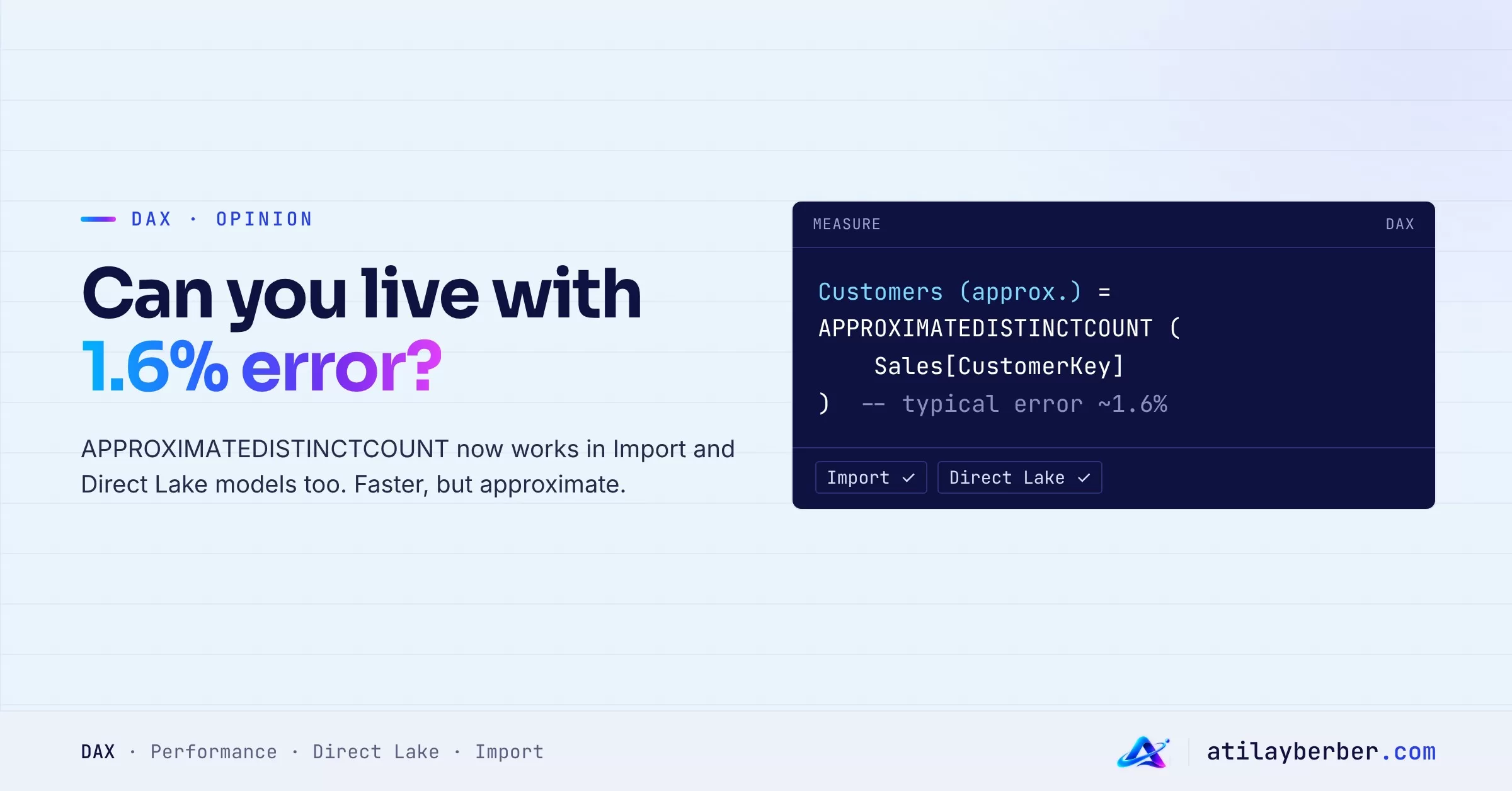
The September 2026 Power BI update puts this debate on the table. The APPROXIMATEDISTINCTCOUNT function now works in Import and Direct Lake models too (preview). It’s faster and uses less CPU, but it estimates the result with a standard error of about 1.6%.
The question is simple: is “roughly right” acceptable in a BI report?
In short
APPROXIMATEDISTINCTCOUNTused to work only on DirectQuery sources (Azure SQL, Synapse, BigQuery, Databricks, Snowflake). It now also works in Import, Direct Lake on OneLake and Direct Lake on SQL.- Under the hood it uses HyperLogLog, with a standard error of about 1.6%.
- In Chris Webb’s 1.4-billion-row test, the query dropped from about 6 seconds to 4, and CPU time fell sharply. Memory use went up, though.
- On low-cardinality columns it can be slower than
DISTINCTCOUNT. - My take: yes for exploration and trends, no for finance, targets and official reporting. The best fix is to let users choose.
What changed?
The syntax is one line:
Approx Customers = APPROXIMATEDISTINCTCOUNT ( Sales[CustomerID] )The real change is where it runs:
| Storage mode | Behavior |
|---|---|
| Import | Engine-side HyperLogLog (preview) |
| Direct Lake on OneLake | Engine-side HyperLogLog (preview) |
| Direct Lake on SQL (no fallback) | Engine-side HyperLogLog (preview) |
| DirectQuery | Pushed to the source’s own approximate count |
Microsoft’s guidance is clear: use it on high-cardinality columns such as transaction IDs, user IDs or timestamps, and stick with DISTINCTCOUNT for low-cardinality columns like country or status and for financial metrics that need precision.
How much faster is it, really?
Chris Webb compared the two functions on a Direct Lake model with a 1.4-billion-row fact table built from the NYC Taxi sample data. Here’s the distinct count by date:
| Measure | Duration | CPU time | Memory |
|---|---|---|---|
| DISTINCTCOUNT | ~6 s | ~82 s | ~206 MB |
| APPROXIMATEDISTINCTCOUNT | ~4 s | ~48 s | ~1.06 GB |
The gain is real but not magic: a third less waiting and about 40% less CPU. The price is memory. Microsoft’s documentation also says the approximate count can use more memory than DISTINCTCOUNT, especially with large models, high concurrency or many groups. If your capacity already runs close to its memory limits, you pay that speed back somewhere else. It’s worth reading alongside my post on Fabric capacity costs.
One more note: in the comments on Chris Webb’s post, some readers on the October 2026 Desktop build got a “not supported for this storage mode” error when creating the measure in an Import model. Webb thinks it’s most likely a bug. Expect rough edges in a preview.
What does 1.6% mean?
1.6% is a standard error. Roughly speaking, most results land within about ±3% of the true value. For 1,250,000 distinct customers, that’s a swing of a few tens of thousands.
Is that small or large? It depends:
- In a trend chart the difference is usually invisible. Chris Webb shows that line charts drawn from the exact and approximate queries look the same.
- If a campaign target is “50,000 new customers”, a ±3% swing can leave the question “did we hit it?” unanswered.
- Distinct counts aren’t additive to begin with. Add up the store-level numbers and you won’t get the grand total. Approximation adds another layer to that confusion: the gap between rows and total now comes from both logic and estimation.
Two camps
“A BI number has to be exact”
For this camp, a report’s value comes from trust. Once a number is wrong, users go back to Excel. The same metric showing two different values in two reports invites audit questions. Finance and sales targets, bonus calculations and official reports can’t be approximate. If speed is the problem, fix it in the model design, with aggregations and the right storage mode.
“Seeing the trend is enough”
For this camp, most decisions are made on direction, not the last digit. Waiting six seconds on 1.4 billion rows costs more than a 1.6% deviation: users get bored and close the report. Web analytics has counted “unique visitors” with HyperLogLog for years, and nobody complains. The real problem isn’t the error; it’s hiding it.
My take
Both camps are right, because they’re talking about different measures.
I think the right question isn’t “is approximate counting good or bad?” but “what decision is made with this measure?”
- For exploration, trends and high-volume operational measures, approximate counts make sense. Think daily unique cards, distinct products per basket, unique app users.
- For targets, bonuses, finance and external reporting, exact counts are a must. If a measure affects someone’s pay or a contract, it can’t be approximate.
- Don’t hide both behind one measure. Say in the measure name that it’s approximate, and show it in the format too.
Chris Webb’s suggested fix goes the same way: give users the choice through a field parameter. Approximate is the default, users browse quickly to spot trends, and they switch to exact with one click when they need the precise figure.
How to set it up
First define both measures separately and make the approximate one visibly different:
Unique Customers = DISTINCTCOUNT ( Sales[CustomerID] )

Unique Customers (≈) = APPROXIMATEDISTINCTCOUNT ( Sales[CustomerID] )
Set the approximate measure’s format string to something like "≈ "#,0 and cards and tables will show a “≈” in front of the number.
Then create a field parameter through Modeling › New parameter › Fields. The expression Power BI generates looks like this:
Count Type = {
    ( "Fast (approximate)", NAMEOF ( [Unique Customers (≈)] ), 0 ),
    ( "Exact", NAMEOF ( [Unique Customers] ), 1 )
}
Put the parameter in a slicer with “Fast (approximate)” selected by default, and use the parameter instead of the measure in your visuals.
Checklist before you use it
- Is the column’s cardinality actually high? With a few thousand distinct values there may be no gain, and it can even be slower.
- Measure query times on your own model. Try both measures side by side in Performance Analyzer and DAX Studio.
- Check your capacity’s memory. Speed gains can come back as memory pressure.
- If the measure feeds a target, a bonus or an external report, stay with the exact count.
- Make the approximate measure obvious in its name and format.
- The function is in preview. For critical reports, wait for general availability.
Conclusion
APPROXIMATEDISTINCTCOUNT coming to Import and Direct Lake looks like a small technical note. It actually questions an old BI assumption: that every number must be right down to the last digit. With big data there’s a trade-off between speed and precision, and the developer doesn’t have to make that call alone. When users are given the choice openly, they usually make the right one.
Which camp are you in? Could you show an “approximate” number to your executives? Let’s talk in the comments.