

Author: @atilayberber
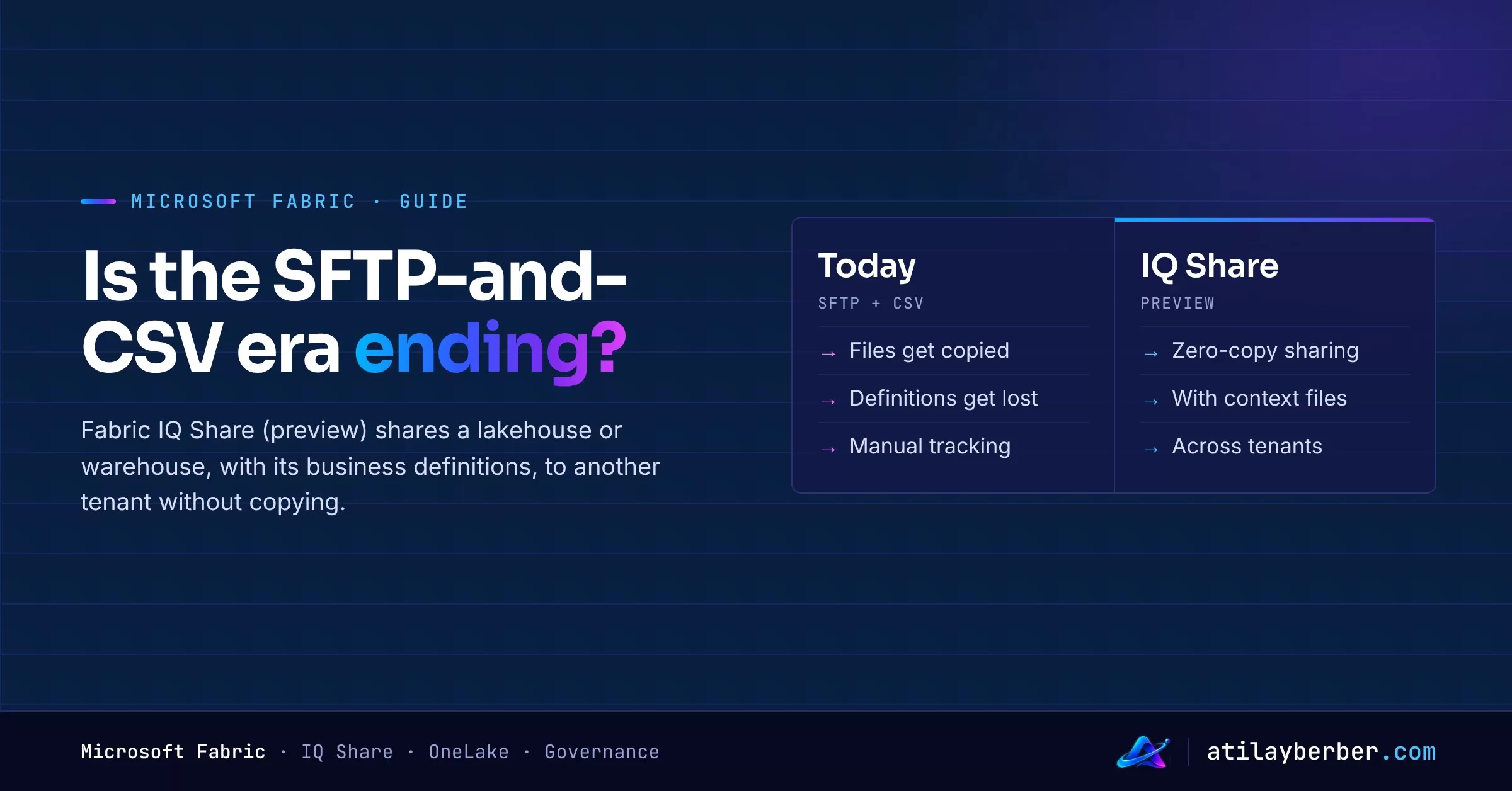
In most places, data exchange between companies still looks the same. A supplier generates a CSV every night and drops it on SFTP. The other side downloads it and loads it into their own warehouse. A column gets renamed and the pipeline breaks. And the answer to “does this amount include tax?” lives in a separate email, a separate spreadsheet, or nowhere at all.
This week Microsoft put IQ Share into preview in Fabric. The idea is simple: share data with another company’s Fabric tenant, without copying it, and with its meaning attached.
In short
- IQ Share shares a whole Lakehouse, Warehouse or Mirrored item with a recipient in another Fabric tenant.
- Zero copy: the data stays in the producer’s tenant; the recipient gets read-only shortcuts.
- For lakehouses, you can ship Markdown files with business definitions and usage notes alongside the data.
- The producer can see who accepted, set an expiration date and revoke access; all shares can be monitored from the OneLake Catalog.
- Recipients don’t need a guest identity in the producer’s tenant.
- Status: preview.
What problem does it solve?
Microsoft’s announcement goes after two problems at once:
- Moving data. A new pipeline, a new copy and separate access management on both sides, for every share.
- Losing meaning. Even when the data arrives, the definitions, assumptions and guidance travel separately, and the receiving team has to rebuild the context.
The second point is, for me, the real news. Cross-tenant sharing isn’t new in Fabric: external data sharing has offered table- and file-level sharing for a while. IQ Share extends it in three directions: sharing the whole item, managing the share’s lifecycle, and carrying context with the data.
How it works
The flow runs separately on each side.
Producer:
- In the workspace, choose New item › Share (Preview).
- Name the share and pick the Lakehouse or Warehouse.
- Add recipients and, optionally, an expiration date.
- Create the share and send the generated invitation URL to the recipients.
Consumer:
- Open the invitation link and review the producer’s tenant, the shared content and the expiration.
- Pick a destination workspace and select Accept and create item.
- Fabric creates two things: a Share Subscription Item that shows the relationship and its status, and, for each source item, a read-only Mirrored OneLake Item containing shortcuts to the data.
Tables added to or removed from a shared item show up for the consumer automatically. Adding or removing an entire item takes effect when the consumer refreshes the Share Subscription.
Prerequisites
- Producer tenant: a Fabric admin must enable Enable Share Item (Preview) and the External data sharing tenant setting.
- Consumer tenant: an admin must enable Enable Share Subscription Item (Preview).
- The producer needs Read and Reshare permissions on the source item.
- The accepting user needs at least Contributor on the destination workspace and must sign in with the identity that was added to the share.
What can the consumer do today?
You can query the shared data directly through the SQL endpoint. But there’s an important preview limit: Spark notebooks, semantic models, data agents and ontologies can’t use the Mirrored OneLake Item directly yet. For those you need an intermediate Lakehouse with shortcuts.
In practice, if you want to use shared data in Power BI, you’ll create a lakehouse in your own tenant and connect through shortcuts. I covered the Direct Lake side in my Direct Lake post; the logic is the same.
Context files: a small but important detail
For lakehouse shares, Markdown files in the Files section travel with the data. They can explain what columns mean, how metrics are calculated, or how to join one table to another.
Why does that matter? Because the receiving side will increasingly feed this data to an AI agent or a data agent. Whether the agent interprets the data correctly depends far more on these definitions than on table names. The problem I described in Copilot Won’t Fix Your Bad Data Model applies here too: data without context produces convincing but wrong answers.
Who will use it?
Microsoft’s example scenarios:
- Supplier and manufacturer collaboration: a manufacturer analyzes a supplier’s inventory data next to its own production data.
- Data providers: distributing a data product, with its definitions, into customers’ own tenants. Integrations from partners such as TomTom, S&P Global and EY are announced as coming soon to the OneLake Catalog.
- Time-bound financial analysis: opening an approved lakehouse to an external advisory team for a fixed period; access ends on its own when the period is over.
- Research collaboration: sharing a research lakehouse and its data dictionary with another institution.
Security and governance: what to watch
Microsoft’s own warnings:
- The whole item is shared, including future tables. Look not only at what’s in the item today, but at what will be added tomorrow. A separate, curated lakehouse just for sharing is the cleanest approach.
- Plan for the lifecycle. Revocation, expiration, deleting the share, or the share creator losing access to the source can cut off the consumer and everything downstream. Document ownership and test the end-to-end flow with non-production data.
One more note. For the existing external data sharing, Microsoft Learn says the producer’s governance controls, such as sensitivity labels and DLP, aren’t enforced in the consumer tenant, and that the consumer can grant access to anyone in their own tenant. The IQ Share announcement doesn’t say whether it behaves differently. Verify that in your own environment before sharing anything sensitive. I’d stay on the safe side and assume that once data is visible in the consumer tenant, it’s governed by that tenant’s rules.
My take: is SFTP finished?
Not yet. IQ Share needs both sides to be on Fabric. If most of your suppliers aren’t, CSV and SFTP will be around for a while.
But the direction matters. Data sharing between companies is shifting from “sending files” to “granting access.” That changes the responsibility: the question is no longer whether the file arrived correctly, but whether access was granted correctly and closed on time. That’s a topic for governance teams as much as for data teams.
To me, the biggest win isn’t technical. It’s that the definitions travel with the data. The number of “what does this column mean?” emails is the real cost of cross-company data projects.
Where to start
- List the data flows you receive from or send to other companies today. Is the other side on Fabric?
- Plan a small pilot with one Fabric-using partner, using non-production data.
- Create a separate, curated lakehouse for sharing and put a data dictionary Markdown file in it.
- Test the expiration and revocation flow end to end.
- Agree with your governance team on the rules for the consumer side.
How do you share data with partners today: SFTP, email, an API, something else? Tell me on LinkedIn.