

Author: @atilayberber
Anyone in Fabric can create a connection: to a SQL database, a SharePoint list, a SaaS API. The trouble is that, over time, those connections turn into an inventory nobody fully knows. A connection whose only owner left the company, an old source still running on Basic authentication, a connection pointing at another tenant… Until now, the “Manage connections and gateways” page only showed connections you had access to. There was no tenant-wide list.
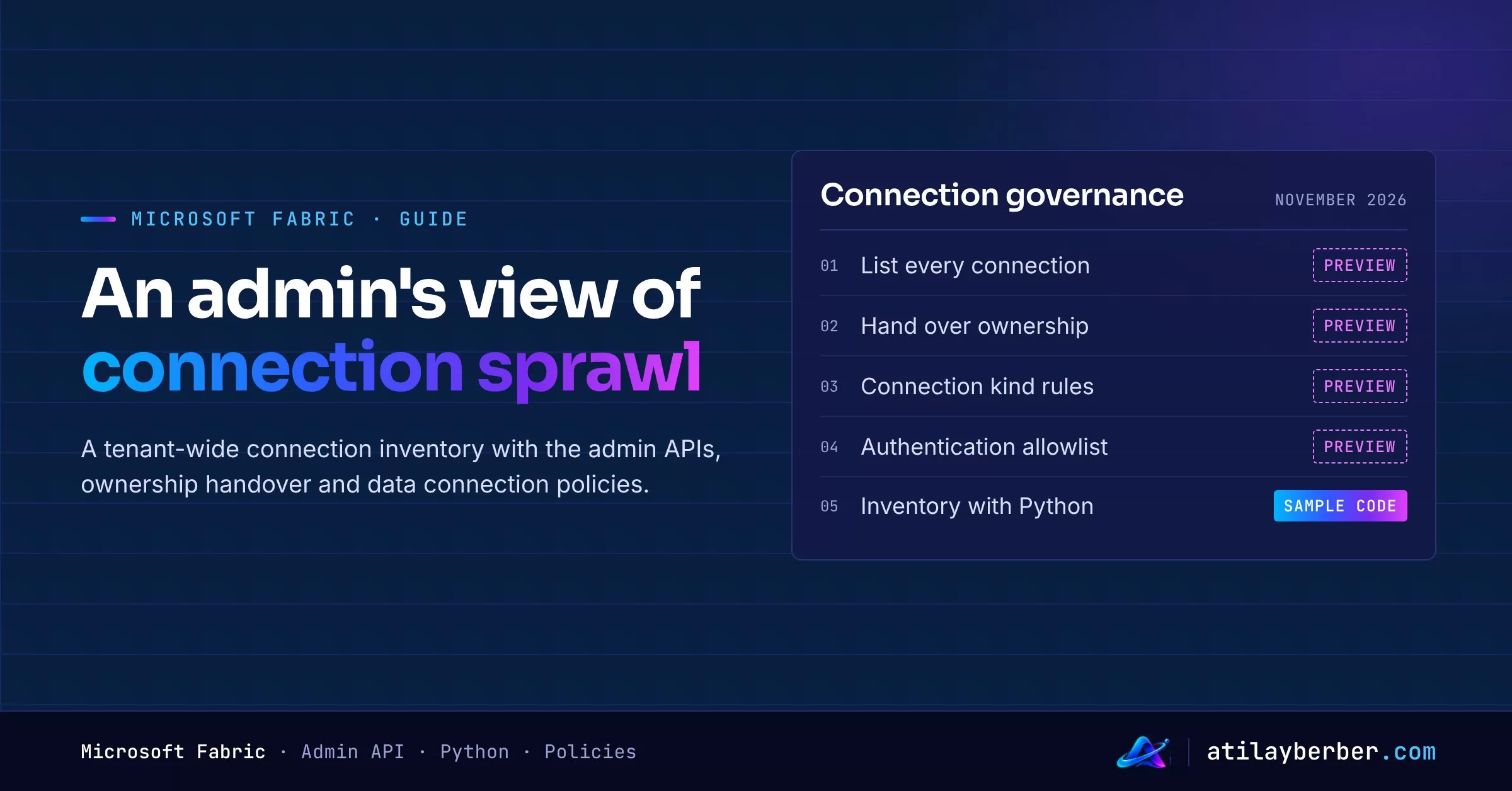
On November 4, 2026, Microsoft started closing that gap with a two-part release: admin connection APIs and data connection policies. Both are in preview. In this post I cover what they bring, how to build a tenant-wide connection inventory with Python, and what to watch out for before you switch on any policy.
TL;DR
- Admin connection APIs (preview): a Fabric admin or a service principal can list every connection in the tenant, including ones they don’t own. No secrets come back; you get names, types, endpoints, privacy levels, authentication types and “last used” timestamps.
- Ownership handover: an admin can assign a new Owner to a single-owner connection through the API. That does not hand over credentials.
- Data connection policies (preview): in the Power BI admin portal you can block or allow connection kinds, allowlist authentication methods, and allowlist tenants for Entra ID connections. They apply tenant-wide to cloud connections.
- Inventory first, policy second: existing connections that violate a policy drop to “Policy Evaluation Failure” and go offline. A blindly enabled allowlist can stop your overnight pipelines.
Why it matters
A connection in Fabric is created once and reused by many items: pipelines, Dataflow Gen2, semantic model refreshes. Great for reuse, hard for governance. Microsoft’s announcement states the gap plainly: there was no tenant-wide inventory on the standard management page, and admins couldn’t see connections they didn’t own.
The practical fallout is familiar:
- When a connection’s only owner leaves, nobody can update its credentials.
- Security can’t answer “which sources do we still reach with Basic auth?”
- Connections opened to an external tenant go unnoticed.
1. The admin connection APIs
The “Admin – Connections” REST API group on Microsoft Learn includes List Connections, Get Connection, Delete Connection, plus List / Get / Add / Update / Delete Connection Role Assignment. Learn is explicit: “Fabric tenant admin connection management is currently in Preview.”
The two endpoints you’ll use most:
| Operation | Endpoint |
|---|---|
| List all connections | GET https://api.fabric.microsoft.com/v1/admin/connections |
| Role assignments of a connection | GET https://api.fabric.microsoft.com/v1/admin/connections/{connectionId}/roleAssignments |
Permissions: the caller must be a Fabric administrator or authenticate with a service principal. Delegated scopes: Tenant.Read.All or Tenant.ReadWrite.All.
What comes back? For each connection: id, displayName, connectivityType (ShareableCloud, OnPremisesGateway, VirtualNetworkGateway and so on), connectionDetails (type and path), privacyLevel, credentialDetails (credential type, SSO type, encryption) and, under connectionRecency, the created, last bound and last credential used timestamps. Secret values such as passwords or keys are never returned.
Throttling: List Connections is limited to 10 requests per minute per tenant and caller identity type (user or service principal). Service principals in the same tenant share that allowance, and every continuation page counts as a request. On a 429, wait for the number of seconds in the Retry-After header.
2. A tenant-wide connection inventory with Python
The script below pages through every connection, backs off on 429 and writes the result to CSV. I use azure-identity: sign in interactively with a Fabric admin account, or swap in a service principal.
# pip install azure-identity requests
import csv, time, requests
from azure.identity import InteractiveBrowserCredential

BASE = "https://api.fabric.microsoft.com/v1/admin/connections"
token = InteractiveBrowserCredential().get_token(
    "https://api.fabric.microsoft.com/.default").token
H = {"Authorization": f"Bearer {token}"}

def get(url, params=None):
    while True:
        r = requests.get(url, headers=H, params=params)
        if r.status_code == 429:
            time.sleep(int(r.headers.get("Retry-After", 60)))
            continue
        r.raise_for_status()
        return r.json()

rows, token_ = [], None
while True:
    page = get(BASE, {"continuationToken": token_} if token_ else None)
    for c in page.get("value", []):
        rec = c.get("connectionRecency", {})
        rows.append({
            "id": c["id"],
            "name": c.get("displayName"),
            "connectivity": c.get("connectivityType"),
            "type": c.get("connectionDetails", {}).get("type"),
            "path": c.get("connectionDetails", {}).get("path"),
            "privacy": c.get("privacyLevel"),
            "auth": c.get("credentialDetails", {}).get("credentialType"),
            "last_credential_used": rec.get("lastCredentialUsedDateTime"),
        })
    token_ = page.get("continuationToken")
    if not token_:
        break

with open("fabric_connections.csv", "w", newline="", encoding="utf-8") as f:
    w = csv.DictWriter(f, fieldnames=rows[0].keys())
    w.writeheader(); w.writerows(rows)
print(len(rows), "connections written")
Drop that CSV into Power BI or a lakehouse table and the first questions ask themselves:
- Which cloud connections have Basic or Anonymous in the
authcolumn? - Which ones have a
privacylevel of None? - Which ones have an empty or very old
last_credential_used?
For ownership, the second step is pulling each connection’s role assignments: the .../connections/{id}/roleAssignments response gives every assignment’s principal (type, name, UPN) and role (Owner, User, UserWithReshare, PendingOwner). A separate list of single-owner connections makes the “what if the owner leaves?” risk visible. Keep the 10-requests-per-minute limit in mind; with thousands of connections, run this step overnight and start with the critical ones.
3. Ownership handover: what it does and doesn’t do
According to the announcement, a Fabric admin can use the admin APIs to assign a successor, another admin or a service principal as Owner of a single-owner connection, review current access, update the assignment or remove it.
Microsoft’s own caveat matters here: an ownership grant does not transfer or renew OAuth credentials, does not grant permissions on the source system, and does not guarantee that dependent workloads will run. The new owner may need to re-enter credentials (the API shows that state as the PendingOwner role). In other words, it’s a tool to recover access, not a magic fix for a broken connection.
4. Data connection policies
Policies live in the Power BI admin portal under Data Policies → Data connection policies, across three tabs:
| Tab | What it does |
|---|---|
| Data policies | Blocked / Allowed rules per connection kind; a default rule for all other kinds; endpoint exceptions for blocked kinds |
| Authentication allowlist | Only allowlisted authentication methods (e.g. OAuth 2.0 Entra ID, Service principal) can be used |
| Tenant allowlist | Entra ID cloud connections only to listed tenants (up to 100 GUIDs) |
Per Learn, policies apply tenant-wide to all existing and new cloud connections, and updates can take up to an hour to propagate. A new non-compliant connection is rejected at creation; an existing one drops to “Policy Evaluation Failure” and goes offline. The announcement also stresses that these controls are not a promise of coverage for every gateway, desktop client or data path, and that the two allowlists don’t act as a firewall rule.
A rollout plan: see first, restrict second
- Build the inventory (script above). Look at the spread of authentication types and connection kinds.
- Scan role assignments. Give critical single-owner connections a second accountable owner, ideally a group or a service principal.
- Write the target policy. For example: “Cloud connections use only OAuth 2.0 Entra ID and Service principal.”
- Run the impact analysis on the inventory. Filter the CSV for connections this policy would take offline, and talk to their owners first.
- Enable gradually. Block a single connection kind first, or keep the allowlist broad; account for the one-hour propagation and your overnight jobs.
- Re-run the inventory regularly. A weekly CSV or lakehouse table is the simplest way to track the policy’s impact and new connections.
For the wider monitoring picture, see my post on Workspace Monitoring; for sharing data outside your tenant, see Fabric IQ Share.
Limits and caveats
- Both features are in preview; Learn says names, screens and behavior may change before GA. Consider a test tenant or a narrowly scoped rule before enabling policies in production.
- The
connectionRecencytimestamps are not a full audit log, an automatic dependency map or proof that a connection is safe to delete. Microsoft says so explicitly. - The 10-requests-per-minute limit slows the inventory down in large tenants; run the script as a scheduled job.
- There’s also an admin Delete Connection API; don’t bulk-delete connections just because they look stale in the inventory.
My take
The most valuable piece of this release isn’t the policies, it’s the inventory. Policies are powerful, but enabled blindly they stop work; the inventory is risk-free and pays off immediately. If you’re a Fabric admin, the one thing to do this week is run the script once and look at the authentication types. That table will make the policy decision for you.