
Author: @atilayberber
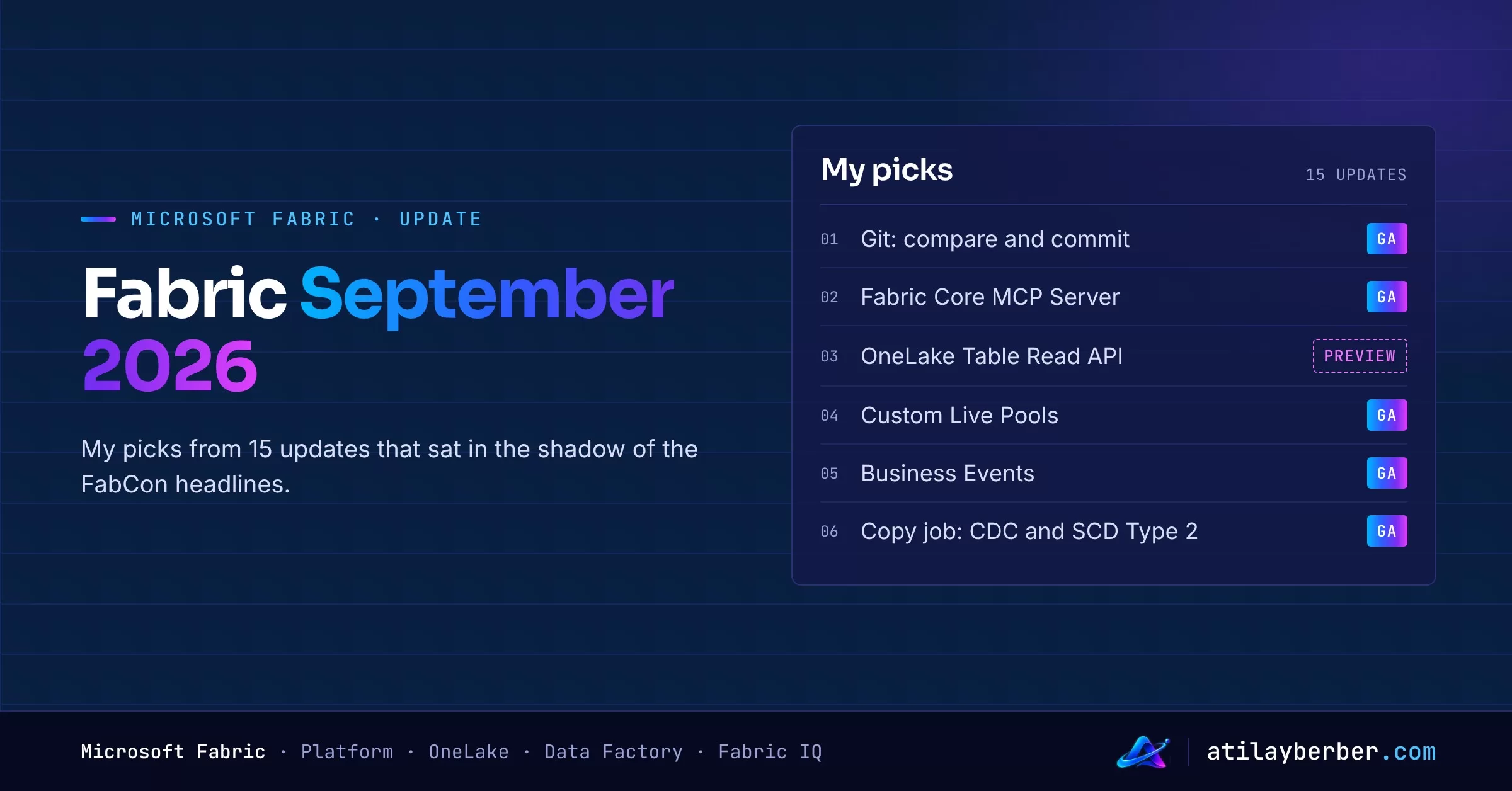
The Fabric September 2026 feature summary is the longest monthly update Microsoft has published so far: over a hundred items, and the post takes more than two hours to read. I already rounded up the FabCon Europe headlines (Fabric IQ in Copilot Chat, Osmos, ontologies, F0, Policies) in Microsoft Fabric in 2026: What Changed After FabCon?. This post is about the rest: updates that got buried under the headlines but will change your day-to-day work.
Note: the Fabric October 2026 summary hasn’t been published yet, so this post is based on the latest official summary, September 2026. It’s also part of the new Monthly Update Notes series on this site, where I cover the Power BI and Fabric updates every month in separate posts.
At a glance: what I picked
| Feature | Area | Status |
|---|---|---|
| Git: compare and commit, branch workspace | Platform / CI/CD | GA |
| Restrict access with DLP | Platform / Governance | GA |
| Fabric Core MCP Server | Platform / AI | GA |
| OneLake Table Read API | OneLake | Preview |
| Custom Live Pools | Data Engineering | GA |
| Notebook toolkit (FNTK) and Spark connector for SQL databases | Data Engineering | Preview / GA |
| Custom SQL pools and new analytical functions | Data Warehouse | GA / Preview |
| Business Events | Real-Time Intelligence | GA |
| Data agents: visuals, 1,000 rows, Topics | Fabric IQ | GA / Preview |
| Lakehouse maintenance activity and retry back-off | Data Factory / Pipelines | GA |
| Copy job: CDC and SCD Type 2 | Data Factory | GA |
| Mirroring: BigQuery and SharePoint List | Data Factory | GA |
| Dataflow Gen2: My Queries and send email | Data Factory | GA / Preview |
| Connection policies (authentication and tenant allowlists) | Governance | GA |
| Database Hub | Databases | Preview |
Platform and governance
Git integration grows up (GA)
The compare experience in Fabric Git integration now covers commits too. Before you commit, update or resolve conflicts, you can see exactly what differs between your workspace and the connected branch, side by side or inline. Sub-folders and all supported Fabric items are included.
Branch workspace is GA as well. Branch out, switch and checkout now live in the Source control pane, and the main view shows which repo, branch and folder you’re connected to. If you create branches outside Fabric, you can set up the link with the Create Workspace Relation API.
In practice: for teams that want to manage Power BI reports and Fabric items like code, “what am I actually committing?” now gets answered inside Fabric.
Restrict access automatically with DLP (GA)
When Microsoft Purview DLP policies detect sensitive data, they no longer just raise an alert. They can now automatically restrict access to the affected Fabric item for guest users or for everyone, alongside policy tips, alerts and audit trails. For regulated industries like finance and healthcare, this removes the “we detected it, but nobody acted” gap.
Fabric Core MCP Server (GA)
AI agents can now work with Fabric through a secure, cloud-hosted MCP endpoint. Any MCP-compatible client authenticates with Entra ID and connects, with no local server to install. Agents can search the OneLake catalog, manage workspaces, items, folders and permissions, and view capacity information. Every operation respects existing role-based access and lands in the Fabric audit logs.
Don’t confuse it with the Fabric IQ MCP endpoint: IQ gives access to business data (semantic models, reports), while Core MCP is for managing the platform itself. I covered MCP on the Power BI side in my Power BI Authoring MCP Server guide.
Connection policies (GA)
Tenant admins can define two new tenant-wide policies in the Power BI Admin portal:
- Authentication allowlist: which authentication methods (Basic, service principal, OAuth 2.0 Entra ID and so on) cloud connections may use.
- Tenant allowlist: which Entra ID tenants cloud connections may reach (up to 100).
With enforcement on, connections that break the rule fail policy evaluation, both new and existing ones. So if you decide to retire Basic authentication, list the connections that still use it first. Otherwise some refreshes will fail the next morning.
OneLake
OneLake Table Read API (preview)
This extends the Delta- and Iceberg-compatible Table APIs so you can read data directly from discovered tables. It’s fully integrated with OneLake security: row- and column-level security is applied to every request, and results come back as Apache Arrow. It’s aimed at apps such as Fabric Apps (Rayfin) and data agents. If you’re looking for a secure, lightweight way to read OneLake from your own app, keep an eye on it.
Data Engineering
Custom Live Pools (GA)
Pre-warmed Spark clusters for notebooks. Clusters stay warm during a schedule you define, with your libraries preinstalled through a Fabric environment in Full publishing mode. In Microsoft’s internal testing, session start drops to as little as five seconds. It works for interactive exploration, scheduled notebooks and notebooks run from pipelines. In preview, you can also delegate pool management to workspace members.
Watch out: the pool stays warm for the whole window you set, and that consumes capacity. Match the schedule to when people actually work.
Notebook toolkit (FNTK) and Spark connector for SQL databases
- Fabric Notebook Toolkit (preview): a Python library that lets coding agents like GitHub Copilot CLI, OpenAI Codex and Claude Code develop Fabric notebooks end to end. The agent can pick the right workspace and notebook, understand the Lakehouse and runtime context, safely edit the intended cell, run the notebook and diagnose failures.
- Spark connector for SQL databases (GA): Spark reads and bulk writes against SQL Server, Azure SQL, Managed Instance and Fabric SQL database. In Fabric it uses Entra authentication automatically and respects SQL security such as RLS, CLS and OLS.
I discussed the bigger picture of agentic data engineering in my Osmos post; FNTK is the “bring your own agent” side of that story.
Data Warehouse
Custom SQL pools (GA) and new analytical functions (preview)
With Custom SQL pools you can create several isolated SQL pools in one workspace and give each a percentage of compute. Queries are routed to the right pool based on application context, so the nightly load doesn’t slow down critical report queries. The Statement Type classifier, which routes queries by statement type, is GA too.
New analytical functions are in preview: MEDIAN, QUANTILE, APPROX_MEDIAN and APPROX_QUANTILE, in both aggregate and window form. PERCENTILE_CONT and PERCENTILE_DISC now support aggregate syntax as well. Distribution metrics like median basket size become a one-liner:
SELECT StoreId,
       MEDIAN(BasketAmount)          AS MedianBasket,
       QUANTILE(BasketAmount, 0.9)   AS P90Basket
FROM dbo.Sales
GROUP BY StoreId;
These are in preview, so check the exact syntax against the documentation.
Real-Time Intelligence
Business Events (GA)
A business event is something meaningful that another team or process should react to: an order placed, a payment failed, stock below a threshold, an approval needed. Unlike raw telemetry, it carries business meaning. In Real-Time Intelligence every event follows a shared schema in an Event Schema Set, so publishers and consumers agree on fields, data types and versions. Real-time hub is where you discover and manage them.
The same idea shows up in Activator, which can now trigger a Copy job, a Dataflow or a User Data Function as an action (GA). “Stock dropped below threshold → start the reorder flow” scenarios no longer need custom code.
Fabric IQ and data agents
I cover the big picture of Fabric IQ in my FabCon post and in an upcoming post on ontologies. Here are three practical data agent updates:
- Visuals (GA): data agents now return interactive line, bar, column, pie, scatter and area charts next to text and tables.
- Up to 1,000 rows (preview): answers used to be capped at 25 rows. On the preview runtime, the agent returns a summary plus a table preview of up to 1,000 rows. Next, Microsoft plans an Excel download that keeps sensitivity labels.
- Topics (preview): up to one million characters of subject-specific guidance per data source. You write business definitions, relationships and calculation rules in sections like sales, inventory or customers, and the agent sends only the relevant section to query generation.
Topics matter to anyone building data agents: they’re a direct answer to “the instructions box isn’t big enough”. I covered data agent setup in my Fabric Data Agents post.
Data Factory
Pipelines: Lakehouse maintenance and retry back-off (GA)
- Lakehouse maintenance activity: run VACUUM and OPTIMIZE (including V-Order) as a pipeline step. No more separate notebooks just for table upkeep.
- Retry back-off: retries can use an increasing delay instead of a fixed interval, with minimum and maximum bounds. Fewer cascading failures from transient errors and throttling.
Copy job: CDC and SCD Type 2 (GA)
Copy job can replicate inserts, updates and deletes from CDC-enabled sources. After the initial load it processes only changes and manages state between runs. With the Merge write method, the destination keeps the latest version of each record. If you need history, SCD Type 2 is GA too, and you can now choose the staging database and schema for CDC and SCD Type 2. CDC from read-only Snowflake databases and audit columns are part of the package.
Mirroring: Google BigQuery and SharePoint List (GA)
BigQuery and SharePoint List data can be replicated continuously into OneLake, now fully supported for production. SharePoint List mirroring becomes one of the easiest ways to get list-based operational data into reports.
Dataflow Gen2: My Queries and send email
- My Queries (GA): save the date table or lookup query you rebuild in every dataflow once, then import it anywhere. Shared queries for teams are in preview.
- Send email (preview): select a query, go to Actions and send an email through an Outlook connection. Recipients, subject and body can be static, parameters or query results. Tie it to a Boolean query to send only when a condition is met, for example “email the owner if there’s negative stock after refresh”.
My detailed guide on moving from Gen1 to Gen2 is coming soon.
Databases
Database Hub (preview)
Database Hub brings your database estate across Azure, on-premises, Fabric and other clouds into one operational view. The first release covers Azure SQL Database, Managed Instance, SQL Server on Azure VMs, Arc-enabled SQL Server, PostgreSQL, Cosmos DB and Fabric SQL database. It surfaces signals that need attention and lets you investigate and act from the same place. For DBAs, it’s a step that changes the “Fabric is only for analytics” perception.
My takeaways
- Agents are moving into the platform: Core MCP, FNTK and the data agent updates all point the same way. Fabric is being designed for both people and agents, which makes permissions and audit logs more important than ever.
- Governance is becoming the default: automatic DLP restrictions and connection policies let admins write rules instead of auditing by hand. But they affect existing connections, so take inventory before you switch them on.
- The “small” Data Factory GAs make a big difference: CDC, SCD Type 2, retry back-off and Lakehouse maintenance standardize work that used to need notebooks and hand-written logic.
What to do this month
- In Git-connected workspaces, try the compare and commit flow and open a feature branch with branch workspace.
- Inventory your connections: list anything using Basic authentication or reaching external tenants before enabling the policies.
- Spark-heavy teams: schedule Custom Live Pools around working hours and measure startup times.
- If you use data agents, consider moving your instructions into Topics.
- In pipelines, switch fixed retries to back-off and move table maintenance to the Lakehouse maintenance activity.
Sources
See you in the next post of this series once the Fabric October summary is out. Which of these matters most to you? Tell me on LinkedIn.
1 comments